
Tokyo Shinjuku Food Tour with 15 Dishes at 4 Eateries
A popular Tokyo experience with local context, easy booking details, and a clear fit for your itinerary.
★★★★★180
from $96.01
3 h • Free cancellation
Share a link with your travel companions and start your travel brainstorming session now.
Free to use - no signup needed
travelers started here
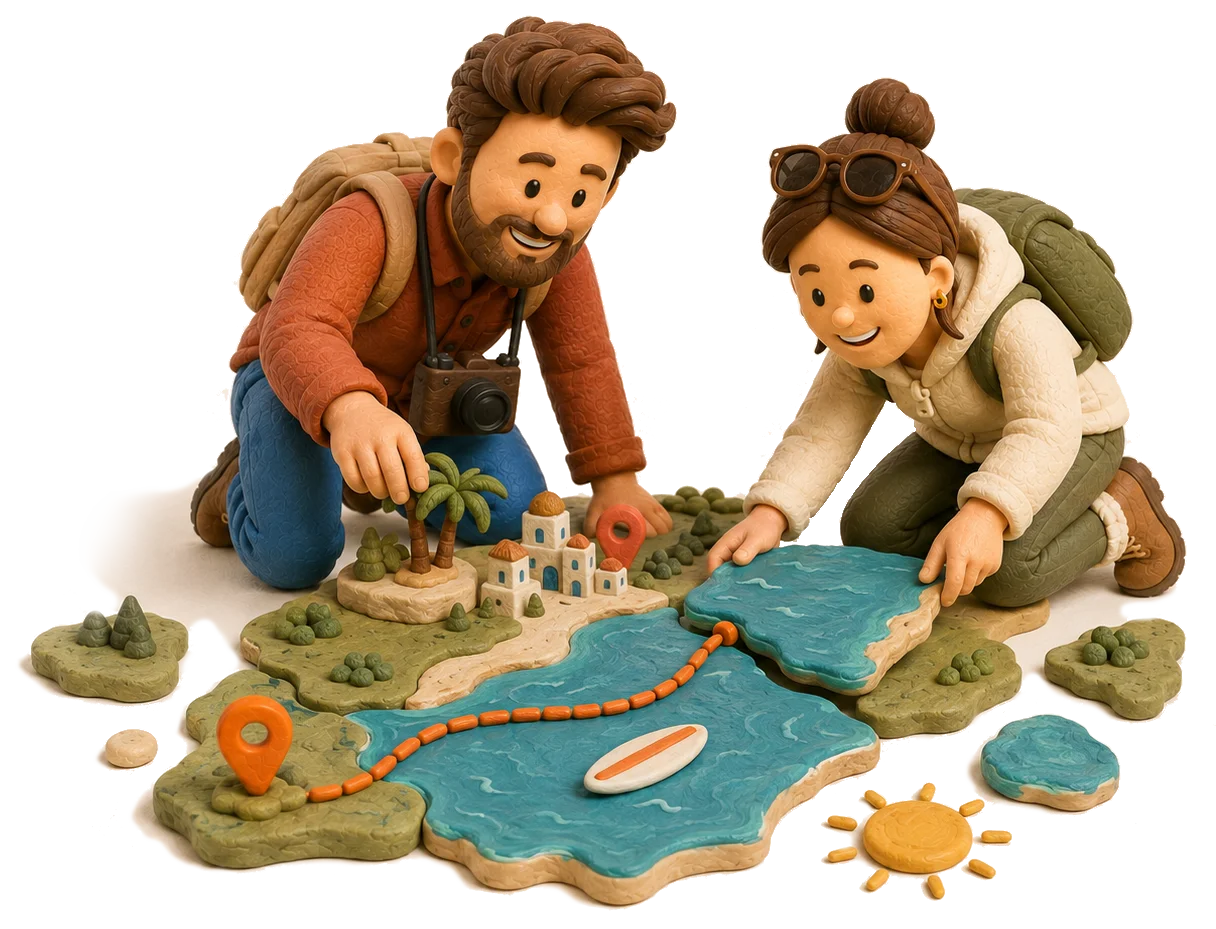

Places in Google Maps. Notes in a doc. A spreadsheet trying its best to be an itinerary.
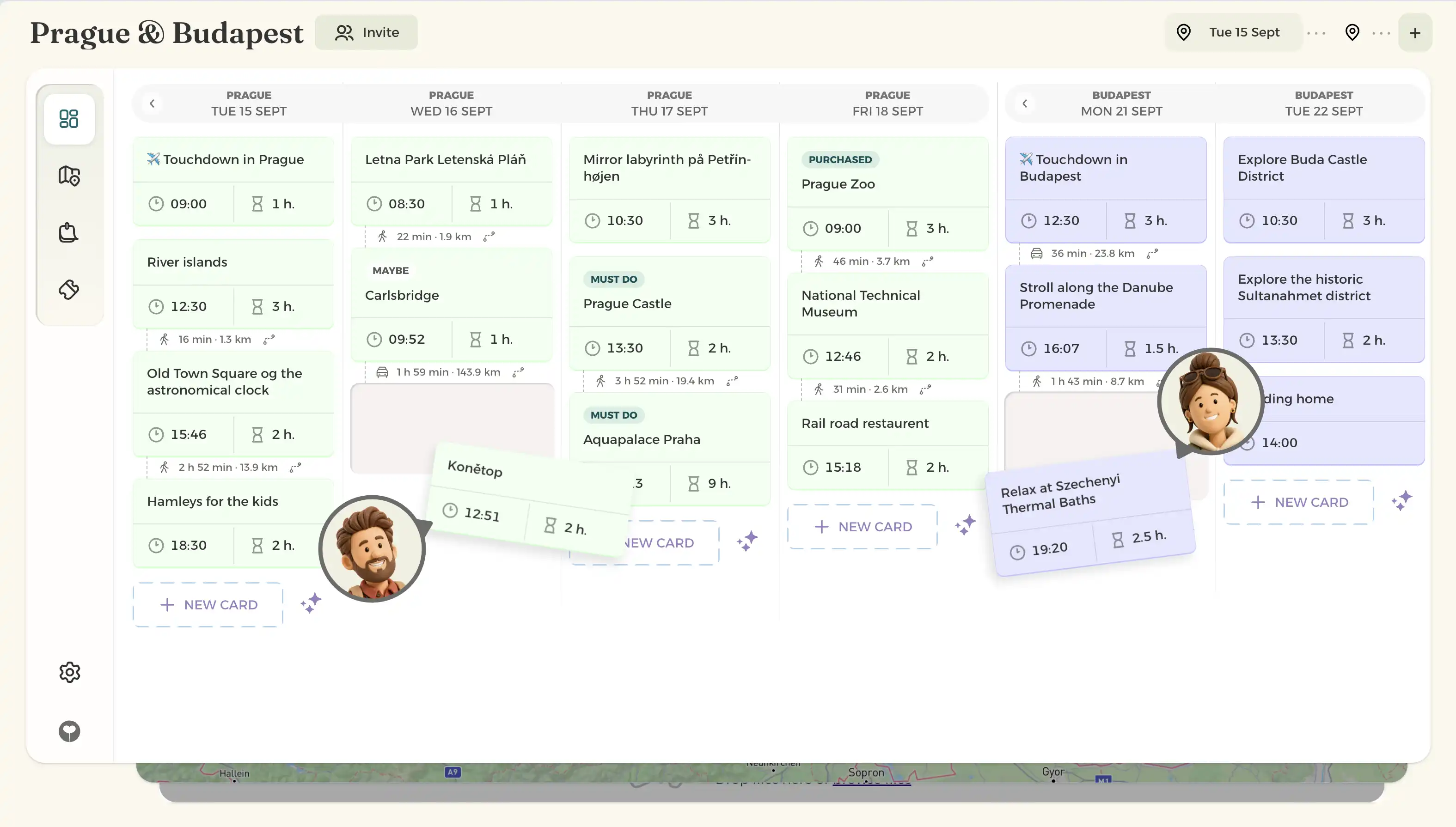
Visually organize your whole trip, with every stop laid out in front of you. Keep your bookings and ideas together, see what’s nearby on the map and plan the details with your travel companions.

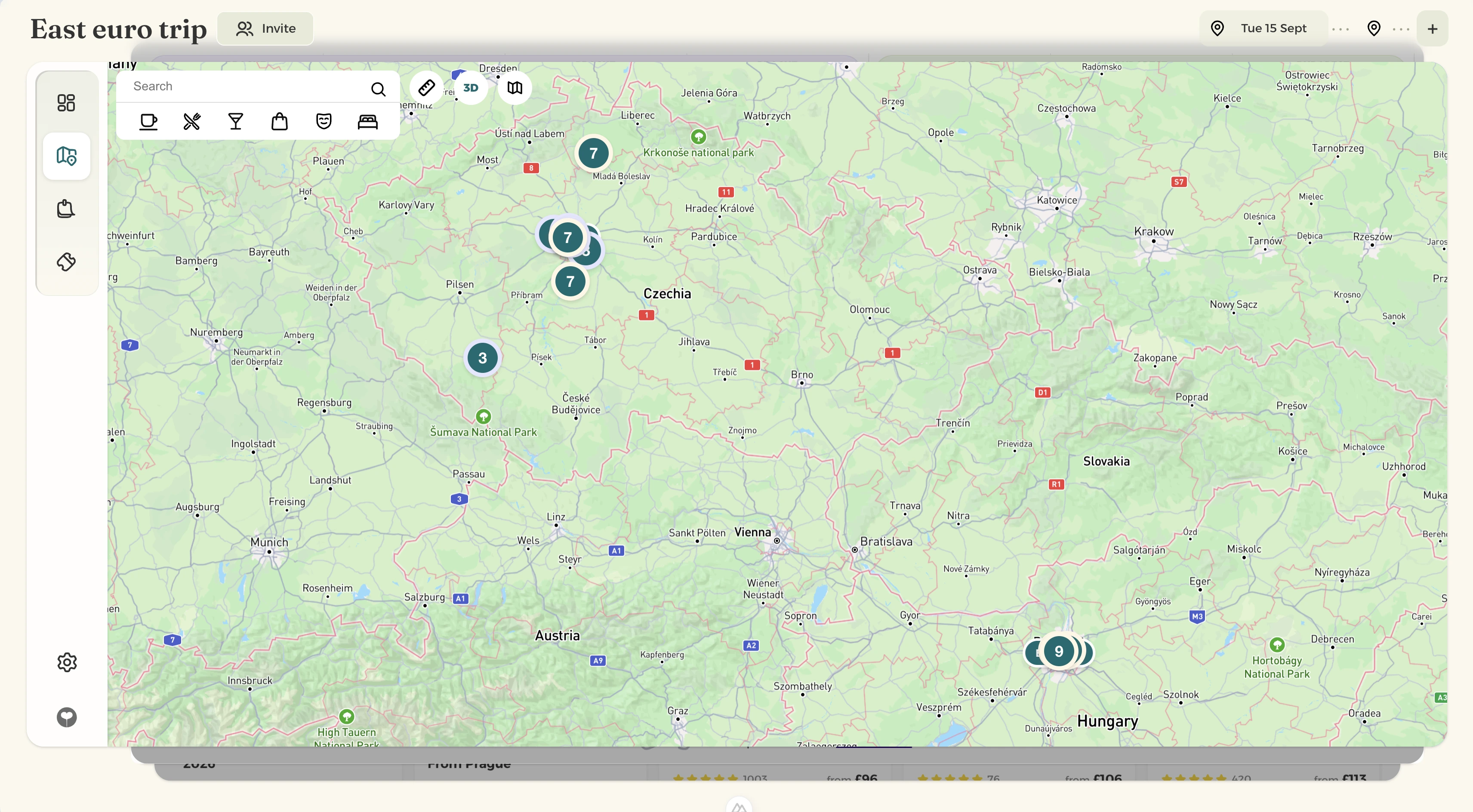
See your places together on the map, so you can group nearby stops and spend less time going back and forth.
Whether you're backpacking across Southeast Asia or driving coast-to-coast, holihopper breaks your big adventure into bite-sized stops. Group your flights, hotels, and activities by specific location so your map stays useful and your itinerary never feels cluttered. Explore multi-stop planning


Just send your tripmates one link. They can join the plan right away without creating an account or downloading an app.

Trip ideas suggests places and experiences based on the trip you’re planning. Tell it what you’re in the mood for, let it fill a day or add a card, and watch those empty days take shape.
Try something like
Explore tours and activities for your destination, check availability and book your favourites before you go.


Open your travel board in your phone’s browser to check your next stop, find a place or revisit your notes while you’re away.

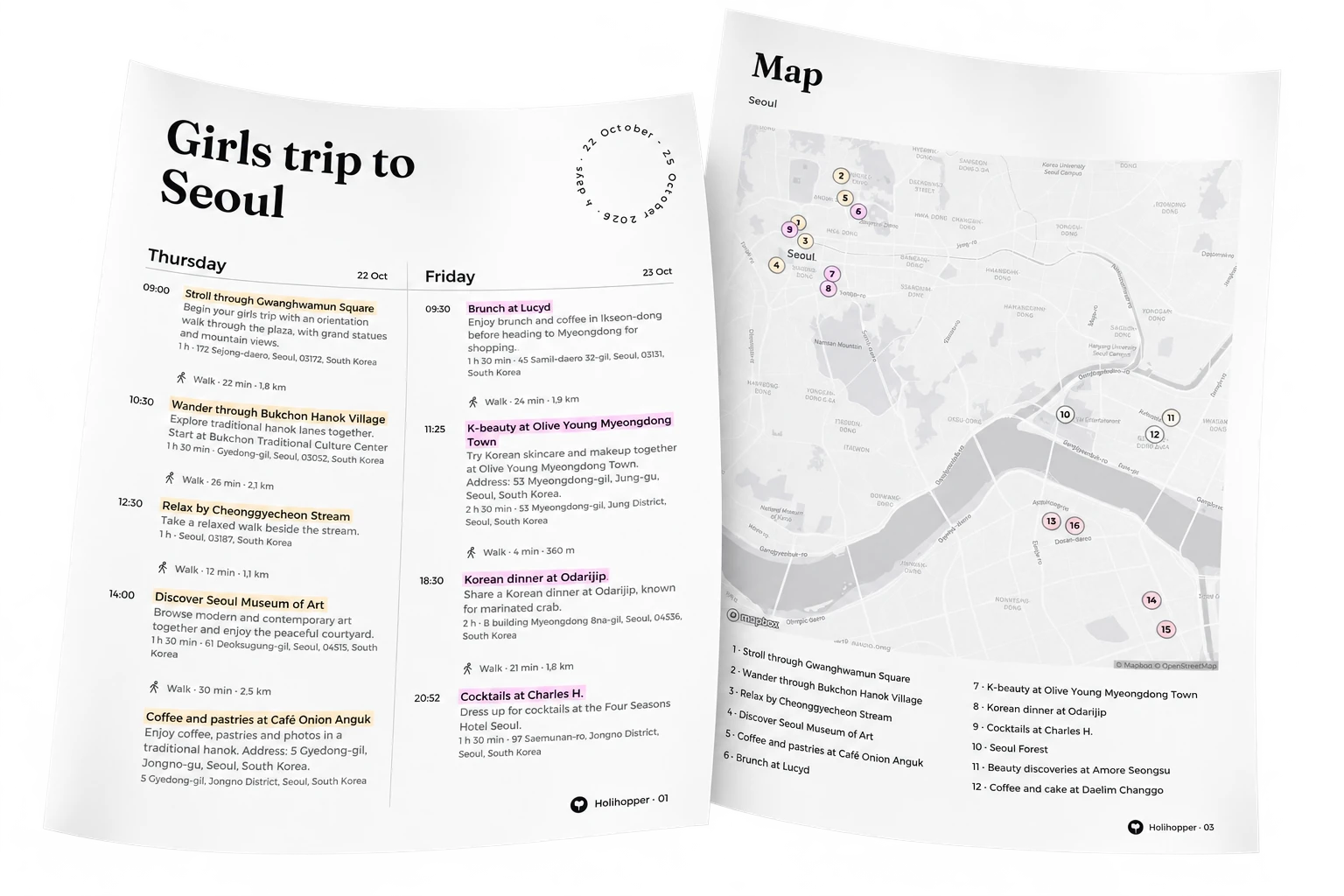
Save your itinerary as a PDF before you leave, so you can check the day’s plans without hunting for Wi-Fi. Keep a copy on your phone, print one for your bag or send it to your travel companions.
Explore printable itineraries